
Written by: Segun Akomolafe
Most homeowners assume their internet connection is already protected the moment they plug in a router. And while that’s partially true, the full picture is a lot more nuanced. The conversation around VPN vs. router firewall matters more than ever right now. This is because home networks today carry everything from online banking and health records to smart doorbells and baby monitors. One weak link can expose all of it.
The good news? You actually don’t need a computer science degree to make smart decisions here. This guide walks you through exactly what each tool does, how they differ, when to use one or both and which setup makes the most sense for your specific household.
Quick Answer
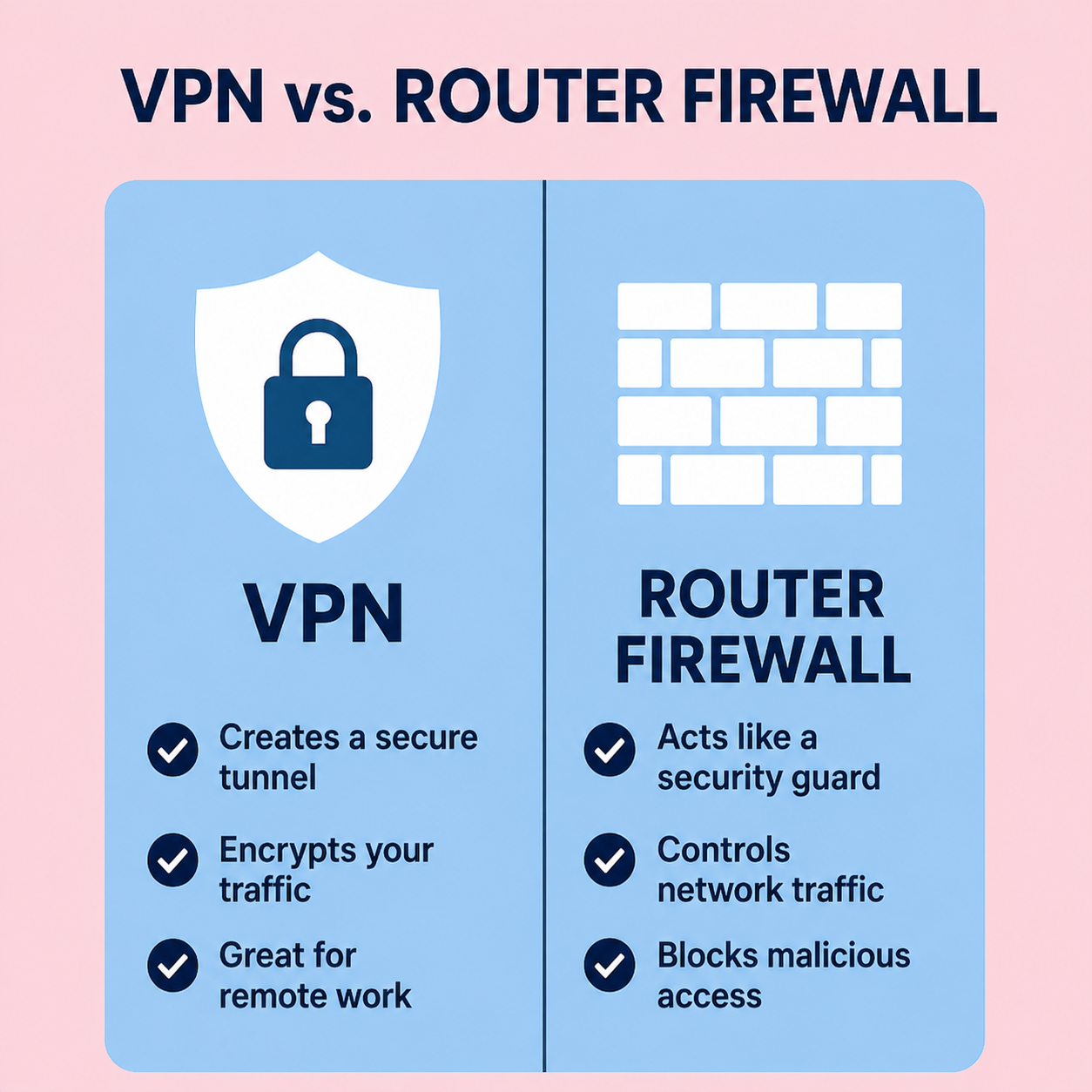
You actually need both router firewall and VPN for general home security. The router firewall is your perimeter defense. It prevents malicious incoming traffic and port scans. A VPN keeps your data for the entire journey, hiding your IP and protecting your privacy from your ISP and hackers.
What Is a Router Firewall?
A router firewall is your home network’s first line of defense. It is placed right at the gateway, between your devices and the open internet, and monitors every single packet of data traveling in and out. Just think of it like a simple security checkpoint at the entrance to your street. Anyone who does not have a valid reason to be there gets turned away before they ever set foot inside.
Most modern routers ship with a built-in firewall already operating in the background. It’s passive, persistent and protects every device connected to your network, from your laptop to your smart TV to your wireless security camera, without you having to even do anything manually.
Here is what a router firewall does particularly well:
- Blocks unauthorized inbound connections before they actually reach your devices
- Filters out suspicious traffic and known malicious IP addresses automatically
- Provides network-wide protection without any per-device configuration
- Works around the clock with virtually no effect on your internet speed
- Keeps IoT devices — smart speakers, cameras, thermostats — from becoming easy entry points
- Uses Stateful Packet Inspection (SPI) to identify abnormal connection patterns
Read More: WiFi 6 Vs. WiFi 5: What are the differences?
What Is a VPN?
A VPN — Virtual Private Network — works very differently. Instead of standing guard at your network’s front door, a VPN focuses on what happens once you walk out of it. It encrypts your internet traffic and routes it through a private server in another location, masking your real IP address and making your activity much harder to monitor or intercept.
While a router firewall blocks threats from coming in, a VPN hides where you are going and what you are doing when you go out. That distinction is important because there are situations where a firewall simply cannot help you, and that’s exactly where a VPN shines.
A VPN is most valuable when:
- You connect to public WiFi networks at coffee shops, airports, hotels, or libraries
- You want to stop your ISP from logging and selling your browsing habits
- You need to access geo-restricted content on streaming platforms
- You work remotely and require secure access to company servers or files
- You are traveling to countries with heavy internet censorship or government surveillance
- You want to protect sensitive transactions like banking or medical consultations on the go
Read more: How to Protect your Home WiFi Network: An Updated Step-by-Step Security Guide
VPN vs. Router Firewall: Key Differences
Here is where people get confused. Both tools are designed to improve your online security, but they do it from completely different angles. The core of the VPN vs. router firewall comparison comes down to this: a firewall guards the entrance to your home network, while a VPN creates a private tunnel for your traffic once it leaves.
They’re not competing tools, they’re solving different problems. One controls who can knock on your door; the other makes sure no one can follow you when you go out for groceries.
Table 1: VPN vs. Router Firewall — Side-by-Side Comparison
|
Feature |
VPN |
Router Firewall |
|---|---|---|
|
Primary Function |
Privacy & traffic encryption |
Traffic filtering & threat blocking |
|
Covers All Devices |
Only configured devices |
Every device on the network |
|
Hides Your IP Address |
Yes — replaces your IP |
No |
|
Blocks Malicious Traffic |
Partially (limited) |
Yes — actively at gateway |
|
Speed Impact |
Can slow slightly |
Virtually none |
|
Cost |
Monthly/yearly subscription |
Built into most routers (free) |
|
Best Use Case |
Public WiFi, privacy, streaming |
Always-on home network defense |
Read More: How to Setup a Home WiFi Network
When Should You Use a Router Firewall?
The short answer: always. Your router firewall should never be switched off. If you are not sure whether yours is active right now, log into your router’s admin panel, usually at 192.168.1.1 or 192.168.0.1, and look under the Security or Firewall settings tab. The majority of modern routers have it active by default, but it’s worth a quick check to confirm.
A router firewall is indispensable if you have a smart home. Every connected device like your smart TV, wireless speaker, Mac, home security system, or even a connected washing machine, is a potential vulnerability. Many of these devices run outdated firmware with security flaws that manufacturers don’t usually patch. Your router firewall creates a protective barrier around all of them at the network level, so even if one device gets targeted, the attack does not easily spread to the rest of your setup.
You should also ensure your firewall is configured with SPI (Stateful Packet Inspection) enabled and DoS (Denial of Service) protection turned on. These settings stop flood attacks and unusual traffic patterns before they can cause any damage.
Read more: How to Secure Your Smart Home IoT Devices From Unauthorized Access: An Updated Step-by-Step Guide
When Should You Use a VPN?
A VPN becomes genuinely necessary the moment you step outside your home network. The moment you connect to a public WiFi hotspot. Whether it’s at a hotel lobby, a coworking space, or a fast-food restaurant. You’re sharing a network with strangers. Without a VPN, anyone on that same network with basic tools can potentially see your traffic.
Beyond public WiFi, a VPN is also smart for everyday privacy at home. Your internet service provider keeps detailed logs of your browsing activity. In many countries, ISPs are legally allowed to sell that data to advertisers. A VPN encrypts your traffic so even your ISP cannot see what you’re doing online.
Table 2: Pros and Cons of Each Tool
|
Tool |
Pros |
Cons |
|---|---|---|
|
Router Firewall |
Always-on, covers all devices, no extra cost, works silently |
Does not hide identity, limited against internal or social engineering threats |
|
VPN |
Encrypts outbound traffic, hides IP, essential on public WiFi, bypasses geo-restrictions |
Monthly subscription cost, may reduce speeds, does not block threats at network entry |
VPN vs. Router Firewall: Can You Use Both?
Absolutely. That’s the setup most security experts will basically recommend without hesitation. One of the biggest misconceptions in the ongoing VPN vs. router firewall conversation is that you need to pick one or the other. You don’t. These two tools are designed to complement each other, not compete.
Your router firewall handles inbound threats at the network gateway. Your VPN handles outbound privacy once traffic leaves your home. Together, they cover both directions of potential exposure simultaneously. It’s the difference between having a locked front door and also wearing a disguise every time you walk outside.
Some advanced routers, particularly those running open-source firmware like DD-WRT or OpenWrt, allow you to install a VPN directly onto the router itself. This means every single device on your network benefits from both firewall protection and full VPN encryption without needing to run a VPN app on each device separately.
Table 3: Which Tool for Which Scenario?
|
Scenario |
Router Firewall |
VPN |
Use Both |
|---|---|---|---|
|
General home browsing |
✓ Essential |
Optional |
Better together |
|
Smart home device protection |
✓ Yes |
Not necessary |
Recommended |
|
Using public WiFi |
Not enough alone |
✓ Critical |
Best option |
|
Streaming geo-blocked content |
✗ No |
✓ Yes |
Yes |
|
Remote work / corporate access |
Helpful |
✓ Recommended |
Ideal |
|
Maximum home security |
✓ Always |
✓ Always |
✓ Yes |
Read More: Understanding V2X Technology in Autonomous Driving
How to Set Up Both for Maximum Protection
Getting both tools working together is easier than it sounds. Start by logging into your router admin panel and confirming your firewall is active with SPI enabled. While you’re in there, disable WPS (WiFi Protected Setup), it’s a known vulnerability, and enable your guest network for visitors so they stay off your main network.
Next, choose a trusted VPN provider. Look for one that offers a no-logs policy (meaning they don’t store your browsing data), strong AES-256 encryption, and support for multiple simultaneous connections so your phone, laptop, MacBook and tablet are all covered. Once installed, activate it whenever you’re on unfamiliar networks, and consider leaving it on by default if privacy is a priority.
If you want the cleanest setup possible, invest in a router that supports VPN client mode. Brands like Asus, Netgear Nighthawk, and GL.iNet make routers that let you run a VPN at the router level, meaning all your devices get protected automatically, with no apps to manage or forget to turn on.
Frequently Asked Questions
Here are optimized answers to frequently asked questions on VPN vs. Router. They are short and concise for your better understanding.
Does a router firewall protect me on public WiFi?
No. A router firewall only secures your home network. Using a secure virtual private network prevents malicious local snoopers from intercepting your private login credentials. On public WiFi, you need a VPN to encrypt your traffic and shield your data from dangerous cyber threats and snoops sharing the same connection because public networks lack encryption and expose your browsing activity to nearby hackers. To stop identity theft, deploy a premium VPN using AES 256-bit encryption to immediately block man-in-the-middle attacks and secure financial transactions.
Is a VPN a replacement for a router firewall?
No. In the VPN vs. router firewall setup, both serve different roles. A VPN handles outbound privacy; a firewall blocks inbound threats. Routers reject unsolicited incoming connection requests from the public internet. A virtual private network encrypts your outgoing data traffic by masking your actual IP address online, stopping dangerous malware infections and preventing severe data leaks during daily browsing sessions. Using both tools creates a robust defense against modern cyber threats, ensuring comprehensive protection for your connected household devices. You genuinely need both for complete, well-rounded home network security to optimize overall digital privacy.
Can my ISP see my traffic if I use a router firewall?
Yes. A router firewall can not hide your activity from your internet provider. Only a VPN encrypts outgoing traffic in a way that prevents your ISP from logging what you browse, stream, or download to ensure true privacy. The use of a good quality virtual private network (VPN) will ensure that your IP address is masked, and your traffic goes via secure servers to protect your online data. As a result, the provider will not be able to track your internet usage.
Conclusion
At the end of the day, the VPN vs. router firewall question isn’t really about choosing sides — it’s about understanding what each tool was built to do and using both to your advantage. Your router firewall is your always-on, network-wide guardian. A VPN is your privacy cloak for everything you do on the internet, at home and beyond.
Start by verifying your router’s firewall is active and properly configured. Then add a trusted VPN service, especially for any moment you step onto a public network. Together, they create a layered home security setup that covers threats coming in, going out, and everything in between. That’s the kind of protection modern home networks actually need.
Related Contents:
- WiFi 6 Vs. WiFi 5: What are the differences?
- How to Setup a Home WiFi Network
- How to Protect your Home WiFi Network: An Updated Step-by-Step Security Guide
- Understanding V2X Technology in Autonomous Driving
- Autonomous Vehicle Technology Trends: AI, Sensors & Hardware
- Best GPS Navigation Systems for Autonomous Vehicles
- EV Charging Infrastructure Guide
- Electric Vehicles vs. Autonomous Vehicles: Understanding the Key Differences
- How to Secure Your Smart Home IoT Devices From Unauthorized Access: An Updated Step-by-Step Guide
- How to Build a Drone: Step-by-step Guide