
Written by: Segun Akomolafe
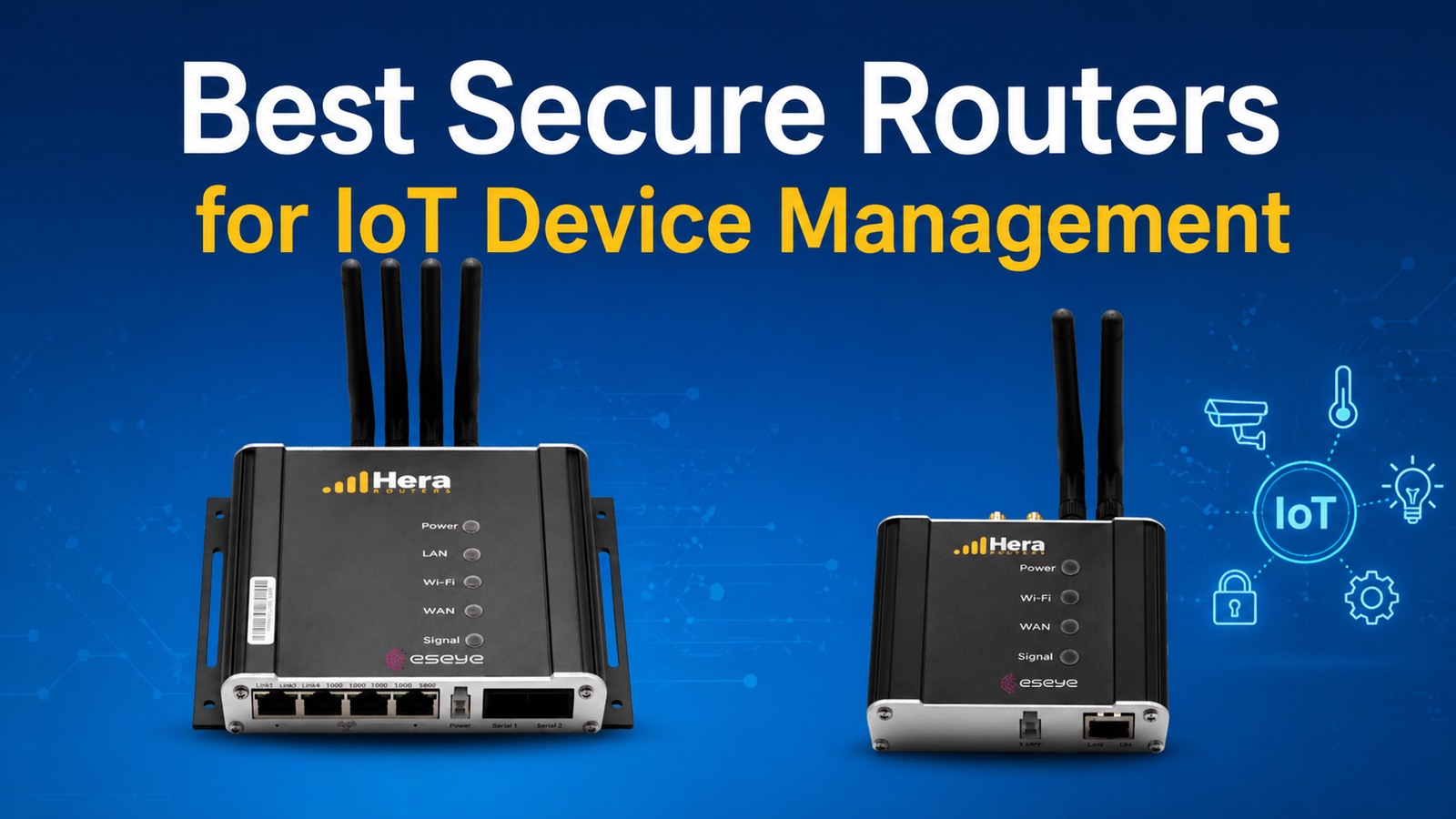
Managing multiple smart devices in your home requires more than just a standard router. The best secure routers for IoT device management offer specialized features that protect your connected ecosystem from cyber threats while maintaining reliable performance. As homes become increasingly connected with smart thermostats, security cameras, door locks, and voice assistants, choosing the right router becomes critical for both security and functionality.
Modern IoT networks face constant threats from hackers who exploit weak security protocols and outdated firmware. A quality router designed for IoT management provides network segmentation, automatic security updates, and advanced encryption that traditional routers simply cannot match. This guide explores the essential features, top models, and practical considerations when selecting secure routers that keep your smart home protected.
Why IoT Devices Need Specialized Router Security
IoT devices often lack built-in security measures, making them vulnerable entry points for network intrusions. Unlike computers or smartphones that receive regular security patches, many smart home gadgets run on minimal operating systems with infrequent updates. When you implement the best secure routers for IoT device management, you create a protective barrier that compensates for these inherent device weaknesses.
Standard consumer routers treat all devices equally, allowing a compromised smart bulb to potentially access your personal computer or smartphone. Specialized IoT routers isolate smart devices on separate networks, preventing lateral movement if any single device gets hacked. This network segmentation represents one of the most powerful security features available for protecting connected homes.
Read more: How to Protect your Home WiFi Network: An Updated Step-by-Step Security Guide
Essential Security Features in IoT-Ready Routers
When evaluating the best secure routers for IoT device management, certain features prove non-negotiable for comprehensive protection. Understanding these capabilities helps you make informed decisions that match your security requirements with your smart home complexity.
Network Segmentation Capabilities
Network segmentation allows you to create separate virtual networks within your home, isolating IoT devices from computers and smartphones. Quality routers support multiple SSIDs or VLANs that keep smart devices quarantined while still providing internet access. This architecture prevents compromised smart cameras from accessing your banking information or personal files stored on other devices.
- Support for multiple SSIDs with independent security settings
- VLAN capabilities for advanced network isolation
- Guest network features that prevent device-to-device communication
- Customizable firewall rules for controlling traffic between networks
- Easy-to-use interface for managing network segments
Automatic Firmware Updates
Router manufacturers discover and patch vulnerabilities regularly, but manual updates often get neglected. The best secure routers for IoT device management include automatic firmware update systems that apply security patches without user intervention. This feature ensures your network maintains protection against newly discovered threats without requiring technical expertise or constant monitoring.
| Security Feature | Benefit | Priority Level |
|---|---|---|
| WPA3 Encryption | Strongest wireless protection | Critical |
| Network Segmentation | Isolates IoT devices | Critical |
| Auto Firmware Updates | Continuous patch protection | High |
| Intrusion Detection | Identifies threats early | Medium |
Read more: How to Setup a Home WiFi Network
Top Router Models for IoT Security
Several manufacturers have developed routers specifically engineered for managing and securing IoT device networks. These models combine advanced security protocols with user-friendly interfaces that make network management accessible even for non-technical users. Finding the best secure routers for IoT device management means evaluating performance, security features, and long-term support commitments.
Enterprise-Grade Features in Consumer Routers
Professional-level routers once available only to businesses now reach home users through advanced consumer models. These routers include features like intrusion prevention systems, deep packet inspection, and threat intelligence databases that actively monitor network traffic for suspicious patterns. While more expensive than basic routers, these systems provide enterprise-level protection for homes with extensive smart device installations.
- Built-in VPN servers for secure remote access to your network
- Advanced parental controls with device-specific time restrictions
- Quality of Service (QoS) settings prioritizing critical devices
- Detailed network analytics showing bandwidth usage per device
- Integration with security service subscriptions for enhanced protection
| Router Type | Device Capacity | Coverage Area | Best For |
|---|---|---|---|
| Consumer IoT Router | 15-25 devices | 1,500-2,000 sq ft | Apartments, small homes |
| Advanced Mesh System | 50-75 devices | 3,000-5,000 sq ft | Medium to large homes |
| Enterprise-Class Router | 100+ devices | 5,000+ sq ft | Large estates, smart buildings |
Read more: How to Secure Your Smart Home IoT Devices From Unauthorized Access: An Updated Step-by-Step Guide
Implementation Best Practices
Purchasing the best secure routers for IoT device management represents only the first step toward comprehensive network protection. Proper configuration and ongoing maintenance ensure your security investment delivers maximum protection. Many security breaches occur not because of inadequate hardware, but due to improper setup or neglected maintenance routines.
Start by changing all default credentials immediately after installation. Router manufacturers ship devices with generic passwords that hackers can find through simple internet searches. Create unique, complex passwords for both the router administration interface and each wireless network. Enable WPA3 encryption where available, or at minimum use WPA2 with a strong passphrase exceeding 20 characters.
Read more: WiFi 6 Vs. WiFi 5: What are the differences?
Ongoing Maintenance Requirements
Security represents an ongoing process rather than a one-time setup task. Schedule monthly reviews of connected devices to identify unauthorized access attempts or unknown gadgets joining your network. Most modern routers provide detailed logs showing connection times, bandwidth usage, and attempted security breaches that help identify suspicious activity before it causes damage.
Review and update your IoT device inventory quarterly. As you add new smart devices, ensure they connect to the appropriate network segment rather than your primary network. Remove obsolete devices from your network when they reach end-of-life or when manufacturers stop providing security updates. Investing in the best secure routers for IoT device management loses effectiveness when unsupported devices compromise your carefully constructed security architecture.
| Task | Frequency | Impact |
|---|---|---|
| Review connected devices | Monthly | Prevents unauthorized access |
| Update firmware manually | Monthly (if not automatic) | Patches security vulnerabilities |
| Audit security settings | Quarterly | Maintains optimal protection |
| Update passwords | Every 90 days | Limits credential compromise |
Read more: VPN vs. Router Firewall: Which Do You Need for Home Network Security?
Frequently Asked Questions
This section addresses common questions about selecting and implementing secure routers for IoT device management.
Do I really need a specialized router for IoT devices?
Standard routers lack IoT-specific security features like network segmentation and device isolation. Specialized routers prevent compromised smart devices from accessing your entire network, providing essential protection that basic routers cannot match for connected homes. Most sophisticated gadgets come equipped with AI-enabled threat detection, automatic security updates, and separate guest networks to segregate vulnerable smart cameras and sensors that cannot be accessed by hackers.
How many IoT devices can a secure router handle?
Device capacity varies by router model. Consumer routers typically support fifteen to twenty-five devices, while advanced mesh systems handle fifty to seventy-five connections. Enterprise-class routers manage one hundred or more devices simultaneously without performance degradation. This basically improve network bandwidth across smart home ecosystems while maintaining robust cybersecurity protection and steady data speeds via advanced Wi-Fi protocols.
Is WPA3 encryption mandatory for IoT security?
WPA3 provides significantly stronger protection than WPA2 through individualized encryption and enhanced password security. While WPA2 remains acceptable for most homes, WPA3 offers superior defense against evolving threats, making it highly recommended for comprehensive IoT protection. Modern security require that WPA3 be used with Wi-Fi 6 to prevent brute force hacking and any attempt at interception using Simultaneous Authentication of Equals (SAE).
Conclusion
Selecting the best secure routers for IoT device management requires balancing security features, performance capabilities, and ease of use. Your router serves as the foundation for your entire smart home ecosystem, making this decision critical for both functionality and protection. Quality routers with network segmentation, automatic updates, and advanced encryption protect your privacy while maintaining the convenience that makes smart technology valuable.
Start by assessing your current device count and anticipated growth over the next few years. Match router capabilities to your specific requirements rather than overpaying for features you will never use. Implement proper configuration practices immediately after installation, and maintain regular security reviews to ensure ongoing protection. The investment in robust network infrastructure pays dividends through years of secure, reliable smart home operation.
Related Contents:
- WiFi 6 Vs. WiFi 5: What are the differences?
- How to Setup a Home WiFi Network
- Autonomous Vehicle Safety & Testing Protocols
- Understanding V2X Technology in Autonomous Driving
- Autonomous Vehicle Technology Trends: AI, Sensors & Hardware
- Best GPS Navigation Systems for Autonomous Vehicles
- How to Protect your Home WiFi Network: An Updated Step-by-Step Security Guide
- Electric Vehicles vs. Autonomous Vehicles: Understanding the Key Differences
- VPN vs. Router Firewall: Which Do You Need for Home Network Security?
- How to Secure Your Smart Home IoT Devices From Unauthorized Access: An Updated Step-by-Step Guide