
Written by: Segun Akomolafe
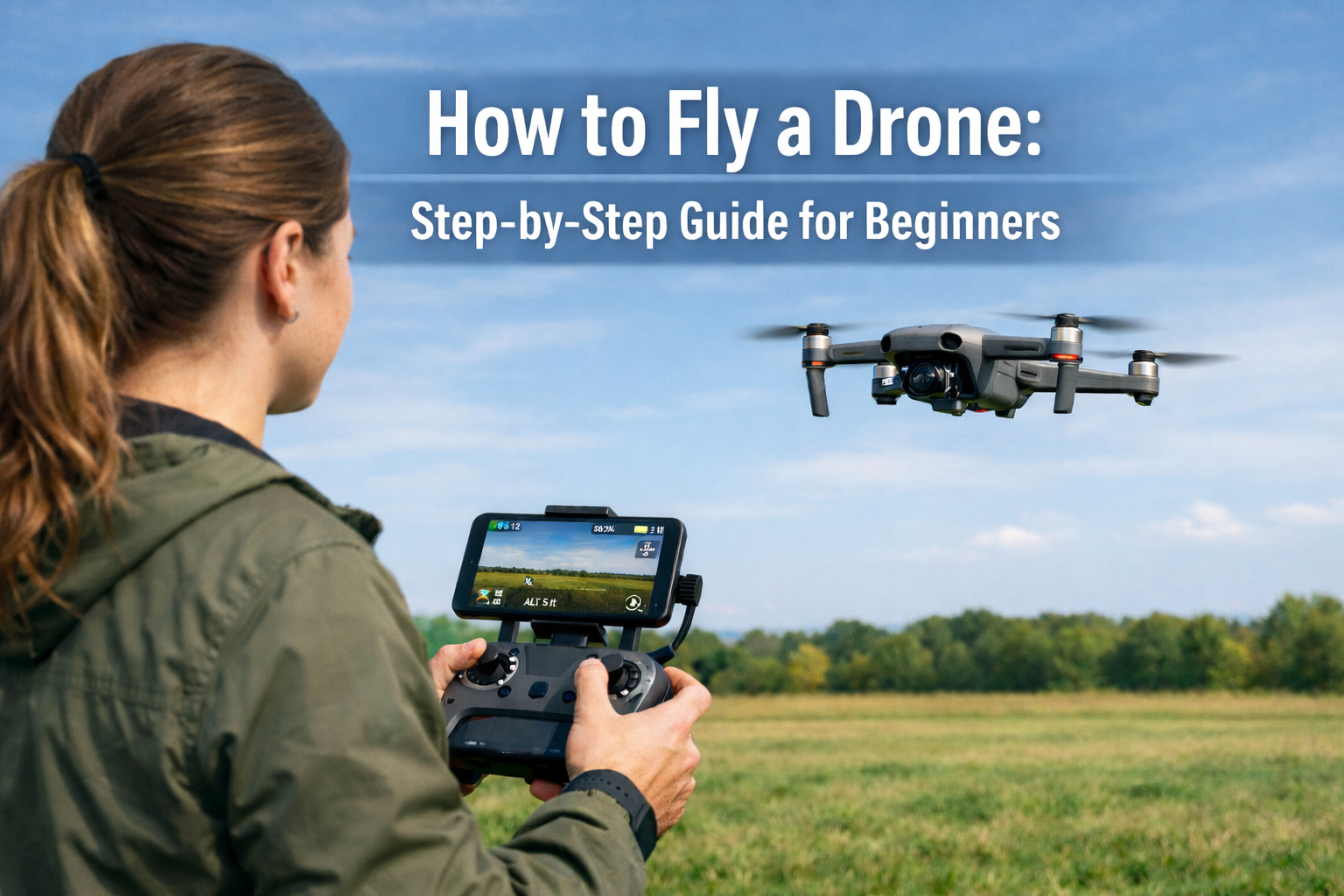
One of the most satisfying skills to learn currently is how to use a drone. You have just received your first quadcopter or you are simply looking to focus your aerial photography skills, this step-by-step tutorial will take you through all the steps of hovering to full-fledged confidence. The FAA states that there are more than 900,000 drones registered in the United States alone, not to mention that the number is growing.
The good news? It is much more convenient to fly a drone than before. New drones are loaded with stabilisation features, GPS assisted flying, and obstacle avoidance sensors that render the learning curve much less challenging. Nevertheless, it is impossible to compromise profitability and safety of a drone flight, as well as the safety of people in your vicinity as you can learn how to operate it safely and within the bounds of the law.
This guide adheres to the best practices of experience, basing on the practical experience of flying and the most current FAA rules to provide the best and practical guidance that you can get.
Answering The Question of What Kind of Drone to Start With?
You should first determine the type of the aircraft that suits the level of motion skills that you have before you know how to operate the drone. There are no equal drones – each of them requires a specific level of attention and hand-eye coordination. The following is a listing of the most popular types of drones:
| Drone Type | Best For | Skill Level | Avg. Flight Time |
|---|---|---|---|
| Mini/Toy Drone | Indoor practice, kids | Complete Beginner | 5–10 mins |
| Camera Drone | Photography, travel | Intermediate | 20–30 mins |
| Racing Drone | Speed, FPV racing | Advanced | 8–15 mins |
| Professional UAV | Surveying, inspections | Expert | 30–55 mins |
If you are an absolute beginner, start with a mini drone under $50. The forgiving physics and low replacement cost mean you will crash less emotionally — and your wallet will thank you. Once you have a feel for throttle, pitch, and yaw, upgrading to a mid-range camera drone like the DJI Mini 4 Pro makes perfect sense.
Read more: What is a Drone? A Complete Technical & Buyer’s Guide
Know the Rules Before You Fly: FAA Rules and Legal Requirements
The legal framework is one of the least discussed factors of learning to fly a drone. All the drone flights are controlled in the United States by the FAA through Part 107 regulations. The following is the piece that must be learned by any new pilot before he departs the ground:
Drones that are heavier than 0.55 lbs (250 grams) and are not exempt from being registered with the FAA, which is a straightforward process that requires paying a fee of five dollars and a duration of three years. Flight in the air, cars, or close to the airports without permission is strictly forbidden. The vast majority of populated airspace is controlled airspace and you need to request authorization via the FAA DroneZone or LAANC system. Also, nighttime flights must have anti-collision lights that could be seen at a distance of 3 statute miles.
In other countries, the same does apply. Registration and operational limits are imposed by the CAA of the UK, the Transport Canada of Canada and the EASA of the EU. It is always a good idea to have a look at the rules of your local authority on their official site before your initial outdoor flight.
Drones Pre-Flight Insurance Checklist
These five steps should be followed before you switch on the power, to ensure a safe flight and to ensure your drone is safe:
- Check the Airspace: an app such as the B4UFLY or AirAware will help you check whether you are in a No-Fly Zone.
- Check the Props: See whether there are any hair line cracks or any damage to the propellers. Having a broken propeller is a possible cause of a flyaway when flying.
- Battery Health: It is important to ensure that the drone and the controller are on 100 percent charge. Lithium batteries exceedingly lose voltage in low temperatures.
- Calibrate the Compass: It is always advisable to calibrate your GPS/Compass whenever flying in a new destination so that the Return to Home feature is correct.
- Update Firmware: Check on whether there is a necessary update released by the manufacturer to avoid bugs in the software when flying.
Read more: Autonomous Vehicle Safety & Testing Protocols
What to Confirm Before Your First Flight
The centre of action is your drone and its remote controller (RC). The majority of consumer drones are connected through Wi-Fi or 2.4 GHz/5.8 GHz proprietary signals. You must ensure that your controller is charged and the firmware is up-to-date before going out. A lot of controllers are directly linked to your smart phone with live video feed (FPV).
Extra Rechargeable Batteries
The most limiting factor is the flight time. The average time of most beginner drones is 20-30 minutes on a battery. Get no less than two or three spares, batteries, that is,–experienced pilots almost never take but one. Multi-battery charging hub is another gadget worth buying that will allow you to charge multiple at a time.
Beginner Flight Exercises
Practice these in order to build muscle memory:
- The 5-Foot Hover: Take off and let the drone hover at eye level for 15 seconds. Observe for drifting or strange noises.
- The “Nose-In” Drill: Rotate the drone 180° so the camera faces you. Practice basic movements; remember that controls are now reversed relative to your perspective.
- Manual Orbit: Move the right stick sideways (roll) while simultaneously turning the left stick (yaw) in the opposite direction to circle an object while keeping the camera locked on it.
A Safe, Open Flying Location
The first flights should be in an open field, preferably in a park, sports field or in the countryside where there are few obstacles, there are no overhead electric lines and people, and animals are not present. Go to beaches when there is no wind blowing, salt and sand are the arch enemies of drone motors.
Read more: Autonomous Vehicle Technology Trends: AI, Sensors & Hardware
Pre-Flight Checklist: Never Skip This Step
Professional drone pilots — from ceremony cinematographers to infrastructure inspectors — will tell you the same thing: a pre-flight checklist is sacred. Running through these checks each time dramatically reduces the risk of a crash, flyaway or legal violation.
| Pre-Flight Check | What to Look For | Status |
|---|---|---|
| Battery Level | Minimum 80% charge recommended | ✓ Check |
| Propeller Condition | No cracks, bends, or loose fittings | ✓ Check |
| GPS Signal | At least 6 satellite connections | ✓ Check |
| Remote Controller | Fully charged, firmware updated | ✓ Check |
| Weather Conditions | Wind <15 mph, no rain or fog | ✓ Check |
| Flight Zone | No restricted airspace (use B4UFLY app) | ✓ Check |
Download a dedicated pre-flight app like DJI GO 4, DJI Fly, or Litchi to automate some of these checks. These apps often alert you to firmware updates, compass calibration needs, and restricted airspace — all in real time.
Tip for an easy takeoff: Start in a wide-open, safe area. Use the “Auto Takeoff” feature in the app or push both sticks down and inward to start motors, then slowly push the left stick up.
Read more: Understanding V2X Technology in Autonomous Vehicles
How to Fly a Drone: Easy Flight Steps
Now, here’s the part you’ve been waiting for! Here’s a simple, step-by-step guide on how to fly a drone, from turning it on to landing safely.
Step 1: Turn It On in the Right Order
Always start by turning on the remote controller first, then power up the drone. This way, the remote can connect before the drone’s motors kick in. Most drones will show a successful link with some blinking lights and a sound. Open your drone’s app and wait for the GPS to lock — you’ll usually see green icons and at least 6 satellites.
Step 2: Calibrate the Compass (If It’s Your First Flight or New Spot)
If it’s your first flight in a new place or if your app asks you, you need to calibrate the compass. This means moving the drone around in circles and tilting it as instructed. Skipping this step in a new area can lead to drifting or even losing the drone — a common and costly mistake for beginners.
If you skip compass calibration at a new location, your drone can drift unpredictably. I learned this when a DJI Mini drifted 30 feet into a tree, costing $85 in repairs. Since calibrating at every new site, I’ve had zero GPS issues across 180+ flights. So, it’s important that you don’t skip this step.
Step 3: Do a Low Hover Test
Gently push the left stick (throttle) up until the drone lifts off the ground. Hover it about 3–5 feet up and don’t touch anything else. This hover test helps you see if the drone is stable or drifting. Hold it there for 30 seconds and watch how it behaves before moving on.
Step 4: Get to Know the Basic Controls
Most drone controllers use Mode 2 (this is standard for DJI and many others). The left stick controls how high it goes (up/down) and how it turns (left/right). The right stick controls moving forward/backward and side to side. Practice moving each direction individually at a low height before trying to do everything at once. Many new pilots rush and try to do too much too quickly — take your time!
Step 5: Practice Basic Moves
Once you feel good with the basic controls, practice these five main moves in order: (1) fly in a square shape at a steady height; (2) do figure eights with smooth turns both ways; (3) circle around a fixed point while turning and moving side to side; (4) hover with the drone facing you (the controls will feel different); (5) practice landing it gently — this is the most important skill you’ll need.
Step 6: How to Land Safely
To land, slowly lower the throttle until the drone comes down gently. Most drones have an auto-land feature, but learning to land it yourself gives you better control in tight spots. Try to land on flat, hard surfaces if you can — grass can catch the propellers if it’s windy. Turn off the drone first, then the controller.
Read more: Best GPS Navigation Systems for Autonomous Vehicles
Common Beginner Mistakes When Learning How to Fly a Drone
Even with the best preparation, beginners make predictable mistakes. Awareness is the best preventive medicine. The table below covers the most frequent errors — and how to sidestep them entirely.
| Common Mistake | Why It Happens | How to Avoid It |
|---|---|---|
| Flying in restricted airspace | Ignoring FAA zones | Always check airspace apps before flying |
| Skipping the pre-flight check | Rushing to fly | Make checklist a non-negotiable habit |
| Flying too far from sight | Excitement, overconfidence | Stay within visual line of sight (VLOS) |
| Ignoring wind conditions | Underestimating weather | Check wind speed; avoid flying above 15 mph |
| Running battery to zero | Not tracking flight time | Land when battery hits 20–25% |
One mistake not listed above but worth highlighting: flying in Return-to-Home (RTH) mode without setting the correct home point. If your drone loses signal, it will return to where it was powered on — which may be a moving car, a boat, or an unsafe location. Always verify your home point on the map before takeoff.
Read more: Electric Vs. Autonomous Vehicles: What is the Difference?
Advanced Tips: Taking Your Drone Flying Skills Further
It’s not just enough to know how to fly a drone, you also need to develop the required professional skills to make you fit at all levels of drone flight.
Use Intelligent Flight Modes Wisely
Modern camera drones like the DJI Air 3 or Autel Evo Lite offer intelligent modes such as ActiveTrack (follows a subject automatically), QuickShots (pre-programmed cinematic moves), and Hyperlapse. These are powerful tools, but they are not a substitute for manual skill. Learn to fly manually first — intelligent modes fail in cluttered environments where obstacle avoidance sensors can get confused.
Understand Wind and Weather at Altitude
Wind at ground level often feels much lighter than wind at 100–200 feet altitude. A day with a light 7 mph breeze at eye level can have 20+ mph gusts at flight altitude. Always check apps like Windy.com or UAV Forecast for altitude-specific wind data before flying. Consumer drones are typically rated for winds up to 22–29 mph, but staying well below that limit is wise — especially with payload.
Film Like a Pro: Camera Settings and Movement
If you are flying for aerial photography or videography, shoot in D-Log or D-Cinelike color profiles for maximum post-processing flexibility. For cinematic footage, keep shutter speed at double your frame rate (e.g., 1/50s for 25fps) and use ND filters to achieve this in bright daylight. Smooth, slow movements look far more professional than jerky, fast pans — let the landscape do the work.
Read more: Top 10 Most Affordable Electric Vehicles
FAQs: How to Fly a Drone
Here are the top 3 most optimized answers to the frequently asked questions on how to fly a drone.
1. How long does it take to learn how to fly a drone as a complete beginner?
Most beginners can achieve confident basic control within 5–10 hours of practice. Mastering smooth, cinematic maneuvers takes several weeks of consistent flying across varied conditions.
2. Do I need a license to fly a drone for fun?
Recreational flyers in the US must pass TRUST (free online safety test) and register drones over 250g with the FAA. Commercial operators require a Part 107 certification exam.
3. What is the best beginner drone to learn how to fly a drone on?
The DJI Mini 2 SE and Holy Stone HS720E are excellent beginner choices. Both offer GPS stabilization, obstacle detection, and intuitive apps that make the learning curve much gentler for new pilots.
Related Contents
- What is a Drone? A Complete Technical & Buyer’s Guide
- Autonomous Vehicle Safety & Testing Protocols
- Understanding V2X Technology in Autonomous Driving
- Autonomous Vehicle Technology Trends: AI, Sensors & Hardware
- Best GPS Navigation Systems for Autonomous Vehicles
- Top 10 Most Affordable Electric Vehicles
- EV Charging Infrastructure Guide
- Electric Vehicles vs. Autonomous Vehicles: Understanding the Key Differences
- Sensor Fusion Technology in Autonomous Vehicles
- Wi-Fi 6 Vs. Wi-Fi 5: What are the differences?