
Written by: Segun Akomolafe
Building your own drone from scratch is one of the most rewarding DIY electronics projects you can undertake. Whether you’re a hobbyist looking to understand quadcopter mechanics, a student exploring robotics, or an enthusiast wanting to customize your flying machine, learning how to build a drone opens up a world of aerial possibilities. According to industry reports, the custom drone market has grown by 42% in the past two years, with makers and enthusiasts choosing to build rather than buy off-the-shelf models.
The advantage of building your own drone extends beyond cost savings. You gain complete control over component selection, flight characteristics, payload capacity, and customization options that pre-built drones simply can’t offer. Plus, troubleshooting and repairs become second nature when you understand every wire, motor, and circuit board in your aircraft.
This comprehensive guide draws from years of hands-on drone building experience and follows current safety standards to help you successfully complete your first DIY quadcopter project.
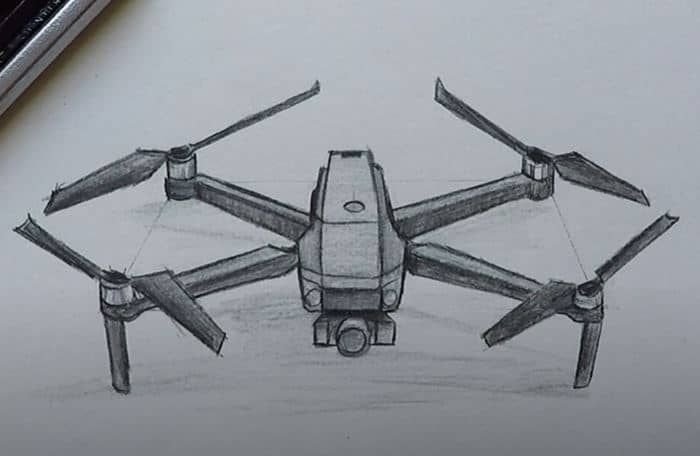
Essential Components You Need to Build a Drone
Before diving into the simple details on how to build a drone, a good knowledge of each component’s role is crucial. Here’s everything you’ll need for a successful build:
| Component | Purpose | Recommended Specs |
|---|---|---|
| Frame | Structural foundation holding all components | 250mm-450mm carbon fiber |
| Motors (4x) | Provide thrust for flight | 2300KV-2600KV brushless |
| ESCs (4x) | Control motor speed electronically | 30A with BLHeli firmware |
| Flight Controller | Brain that stabilizes and controls flight | F4 or F7 with gyro/accelerometer |
| Propellers (4x) | Generate lift and directional thrust | 5-inch (2 CW, 2 CCW) |
| Battery | Powers the entire system | 4S 1500mAh LiPo (XT60 connector) |
| Radio Receiver | Receives pilot commands from transmitter | 6+ channel compatible receiver |
Budget approximately $200-$400 for a quality first build, depending on whether you want FPV capabilities or just basic flight functionality.
Read more: What is a Drone? A Complete Technical & Buyer’s Guide
Tools Required for the Build Process
Having the right tools makes the build process smoother and safer. Most of these are available at hardware stores or online:
- Soldering iron (60W minimum) with fine tip
- Solder wire (lead-free recommended)
- Heat shrink tubing assortment
- Wire cutters and strippers
- Hex driver set (1.5mm, 2mm, 2.5mm)
- Multimeter for testing connections
- Zip ties and double-sided tape
- USB cable for flight controller configuration
Safety gear is non-negotiable: always wear safety glasses when soldering and work in a well-ventilated area. Keep a fire extinguisher nearby when working with LiPo batteries.
Read more: Autonomous Vehicle Safety & Testing Protocols
How to Build a Drone: Complete Assembly Process
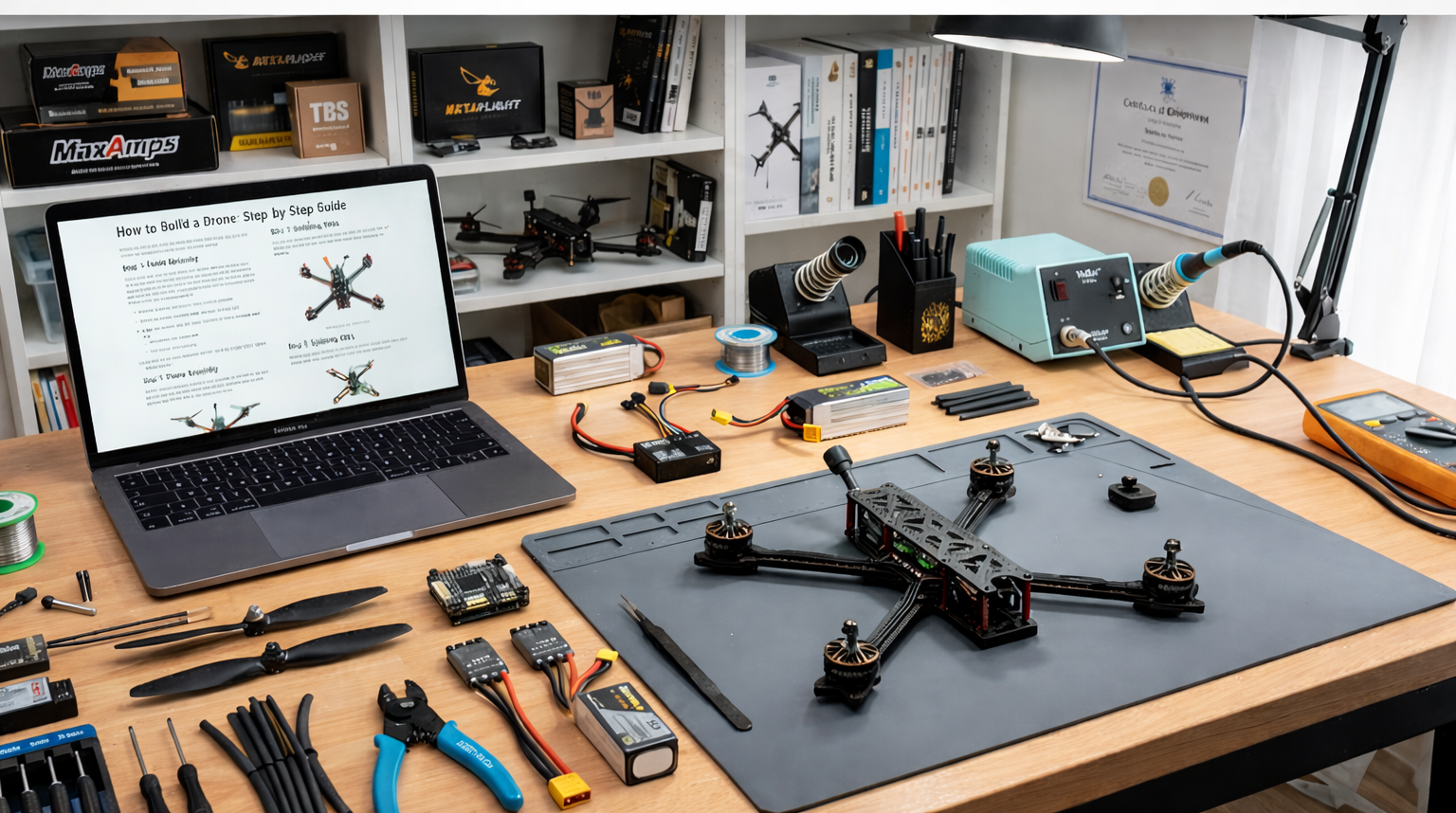
Here is a simple and optimized step by step guide on how to easily build a drone with the necessary equipment required.
Step 1: Prepare and Assemble the Frame
Start by laying out your carbon fiber frame components. Most frames come with arms, body plates, and mounting hardware. Attach the four motor arms to the center plates using the provided screws, ensuring they’re tightened securely but not over-torqued (carbon fiber can crack). Install any standoffs that will separate the top and bottom plates — these create space for your electronics stack.
Step 2: Mount the Motors to the Frame
Position one brushless motor on each arm. Pay close attention to rotation direction — you’ll need two clockwise (CW) and two counter-clockwise (CCW) motors positioned diagonally opposite each other. Secure each motor with four screws through the motor mount holes. Don’t overtighten; you want the motors firmly attached without stripping the carbon fiber threads.
Step 3: Solder ESCs to Motors
This step requires careful soldering. Each motor has three wires that connect to three pads on the ESC. The order determines spin direction — if a motor spins backward during testing, simply swap any two wires. Apply flux to the ESC pads, heat them with your soldering iron, and flow solder onto each pad before attaching the motor wires. Use heat shrink tubing over exposed solder joints to prevent shorts. Test each connection with a multimeter to ensure continuity.
Step 4: Install the Flight Controller
Mount your flight controller in the center of the frame, typically on rubber dampers or soft mounting grommets to reduce vibration. The arrow on the flight controller board should point toward the front of your drone. Connect the ESC signal wires to the appropriate motor outputs on the flight controller (usually labeled M1-M4). Also connecting the power distribution board or 4-in-1 ESC power leads to the flight controller’s power input pads.
Read more: Understanding V2X Technology in Autonomous Vehicles
Step 5: Wire the Radio Receiver
Connect your radio receiver to the flight controller’s receiver port. Most modern setups use SBUS, IBUS, or PPM protocol — check your flight controller manual for the correct port. Secure the receiver with double-sided foam tape away from carbon fiber (which can block radio signals). Bind your receiver to your transmitter following the manufacturer’s binding procedure.
Step 6: Configure Flight Controller Software
Connect the flight controller to your computer via USB. Download and install the appropriate configuration software (Betaflight, iNav, or ArduPilot depending on your controller). In the software, configure motor directions, receiver channels, flight modes, and PIDs. Run the motor test feature to confirm each motor spins in the correct direction. Calibrate the accelerometer on a level surface and set failsafe parameters.
Step 7: Attach Propellers and Perform Safety Checks
Install propellers with the correct orientation — CW props on CW motors, CCW props on CCW motors. The propeller lettering should face upward. Before your first flight, perform these critical safety checks: Verify all screws are tight, check solder joints are solid, confirm propellers are secure, test the battery is firmly attached, and ensure the transmitter has full range. When learning how to build a drone, triple-checking everything before powering up is essential.
Current market insights: The US DIY drone market emphasizes FPV builds (21.4% annual growth), 5-inch quadcopters for beginners and compliance with evolving FAA Remote ID requirements.
Test flight: Start in a wide, open area. Gently increase throttle to a hover (about 1–2 meters) to check stability.
Read more: Autonomous Vehicle Technology Trends: AI, Sensors & Hardware
Testing Your DIY Drone Before First Flight
Never skip the technology testing phase when you build a drone. Start with a bench test: power up the drone without propellers attached and check that all systems respond correctly to transmitter inputs. Use the motor test feature in your configuration software to verify each motor spins smoothly. Check for unusual heat buildup in ESCs or motors — they should remain warm, not hot.
Once bench testing passes, attach propellers and perform a hover test in an open field. Start with a gentle takeoff to about 2 feet altitude and assess stability. The drone should hover steadily without drifting. If it pulls in one direction, you may need to trim your transmitter or adjust PID settings. Gradually increase altitude while maintaining control, testing each axis of movement before attempting advanced maneuvers.
Read more: How to Fly a Drone: Step-by-Step Guide for Beginners
Common Build Issues and Solutions
| Problem | Likely Cause | Solution |
|---|---|---|
| Motor won’t spin | Poor solder connection or wrong ESC signal wire | Re-solder connections; check motor output mapping |
| Drone drifts heavily | Uncalibrated accelerometer or bent frame | Recalibrate on level surface; check frame alignment |
| No radio signal | Receiver not bound or wrong protocol selected | Bind receiver; verify protocol in FC software |
| Violent oscillations | PID values too aggressive | Lower P and D gains in configuration software |
| Battery drains rapidly | Motor or prop damage causing inefficiency | Inspect for damage; balance propellers |
Read more: Best GPS Navigation Systems for Autonomous Vehicles
Advanced Customization Options After Your Build
Once you’ve successfully completed your basic build and logged several flights, the real customization begins. Many builders add FPV (First Person View) systems with a camera, video transmitter, and antenna for immersive flying. This requires additional components including a 5.8GHz video transmitter, micro camera, and compatible goggles.
GPS modules enable autonomous features like return-to-home, position hold, and waypoint navigation. Action cameras like the GoPro or DJI Osmo Action can be mounted for aerial photography, though this increases weight and requires motor/propeller upgrades. LED strips enhance visibility and look spectacular for night flying. When you build a drone from scratch, every upgrade teaches you more about aerodynamics, electronics, and system integration.
Recommended Upgrade Timeline
| Experience Level | Recommended Upgrade | Benefit |
|---|---|---|
| Beginner (0-10 flights) | Prop guards and spare parts | Crash protection during learning phase |
| Intermediate (10-50 flights) | FPV camera and goggles system | Immersive flying experience; improved control |
| Advanced (50+ flights) | GPS module and telemetry | Autonomous features; real-time data |
| Expert (100+ flights) | HD recording system (Caddx/RunCam) | Professional aerial footage; DVR recording |
Read more: Electric Vs. Autonomous Vehicles: What is the Difference?
Safety and Legal Considerations for DIY Drones
Building your own drone doesn’t exempt you from aviation regulations. In the United States, the FAA requires registration for drones weighing over 250 grams (0.55 pounds). The registration process costs $5 and lasts three years. Your drone must display your FAA registration number on an accessible external surface.
Recreational flyers must pass The Recreational UAS Safety Test (TRUST) — a free online exam covering basic safety rules. Never fly above 400 feet, within 5 miles of airports without authorization, over people without Remote ID, or in national parks. Many urban areas have additional restrictions. Download the B4UFLY app to check if your flight location is legal.
Safety extends beyond regulations. Always maintain line-of-sight with your drone, fly in good weather conditions (avoid wind above 20mph), and never fly under the influence of drugs or alcohol. Have a pre-flight checklist and stick to it religiously. When you build a drone, you’re responsible for its safe operation.
Read more: Top 10 Most Affordable Electric Vehicles
FAQs: How to Build a Drone
Building your first drone often brings up a few more questions. Here are the most common things new builders ask.
1. How much does it cost to build a drone from scratch?
Building a basic quadcopter costs between $200-$400 depending on components. High-end builds with FPV systems and GPS can exceed $600-$800. Budget wisely for quality components to avoid replacement costs.
2. How long does it take to build a drone for beginners?
First-time builders typically need 8-15 hours spread over several days. This includes assembly, soldering, configuration, and testing. Experience significantly reduces build time for subsequent drones to 3-5 hours. Add extra days for research, getting tools, and fixing wiring problems that come up unexpectedly. Make sure you have the right spare parts, solder, and zip ties on hand.
3. Do I need programming skills to build a drone?
No programming is required for basic builds. Flight controller software like Betaflight uses graphical interfaces for configuration. Advanced customization may benefit from coding knowledge, but it’s entirely optional for functional flight.
Related Contents
- What is a Drone? A Complete Technical & Buyer’s Guide
- How to Fly a Drone: Step-by-Step Guide for Beginners
- Autonomous Vehicle Safety & Testing Protocols
- Understanding V2X Technology in Autonomous Driving
- Autonomous Vehicle Technology Trends: AI, Sensors & Hardware
- Best GPS Navigation Systems for Autonomous Vehicles
- Top 10 Most Affordable Electric Vehicles
- EV Charging Infrastructure Guide
- Electric Vehicles vs. Autonomous Vehicles: Understanding the Key Differences
- Sensor Fusion Technology in Autonomous Vehicles